Ticket formats and printers
Design attractive tickets and
print them in any format and size with
TicketCreator ( free trial version).
You can use all Windows-compatible printers (e.g. laser printers or ink jet printers), i.e. you can use your regular printer to print tickets and do not have to buy an expensive ticket printer. Of course, you can also use all Windows-compatible thermal transfer printers or ticket printers.
 Print your tickets with TicketCreator on:
- Plain cardboard (optionally with cut marks)
- Blank perforated tickets or cards
- Custom ticket stocks from a printing company (recommended)
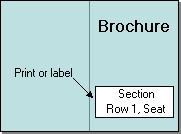
- Directly onto the brochure or invitation, or on labels
1.) Print tickets on cardboard
The easiest option is to print tickets on plain cardboard,
which is then cut. To facilitate the cutting TicketCreator
can print
cutting marks on the page and sort tickets in a way that cutting will generate
piles of consecutive tickets.
|
Use TicketCreator to
print tickets of any size on plain cardboard
|




2.) Print tickets on perforated ticket templates
Many printing companies offer perforated templates, which you can use with
the TicketCreator software
to print tickets.
|
Perforated card sheets
|
Perforated card sheets with stubs
|
 TicketCreator
 |
Show some suppliers of perforated ticket templates.
Some suppliers of perforated ticket templates are:
- Perforatedpaper.com: Tickets on letter paper & custom card stock
- Thepapermillstore.com: Tickets on letter paper in many formats
- Shelftagsupply.com offers perforated card sheets
United Kingdom:
- imagecomputersystems.com offers perforated tickets on A4 paper.
Other countries:
- Please contact your local print shop or other online printing companies (see below).
3.) Custom ticket stocks from your local printing company (recommended)
The most convenient option is to design your own ticket stock
e.g.
with your logo and contact a local printing company to get
these blanks printed and perforated, but not numbered. Then use
the
TicketCreator software
to print all event specific text (date, row/seat numbers,
prices etc.) onto the tickets.
You can either use sheets with several tickets on one page separated by perforation or
print on single tickets or cards.
|
Custom ticket sheets
|
Custom ticket sheets with stubs
|
TicketCreator
 |
Using TicketCreator and custom, unnumbered ticket stocks
has many advantages:
- You are more flexible: Buy your custom stocks once and print tickets for various events as needed
- It's cheaper: Benefit from huge discounts on larger orders and pay shipping only once, instead of ordering small quantities for each event
- More comfort for your customers: Print row and seat numbers on the tickets not just sequential numbers. That saves you also the additional fees for numbering.
- Use different prices for the seats
- No left-over tickets, print only as many tickets as you need
- No hassle
- Get stocks in different colors and use these to distinguish sections or price categories.
- Easy setup of even difficult seating maps
Contact your local printing company or an online printing company and ask for an offer! You can even use the backside of the ticket for advertisement to finance the tickets.
Attention! Make sure the tickets are NOT COATED and NOT DIGITALLY PRINTED, otherwise you can not print on them. Tell the printing company that you want to print on the templates with a laser or ink printer. Also check whether your printer can use cardboard of the selected strength and format.
Tickets on cardboard (without or with a stub)
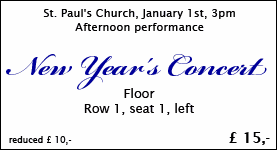 |
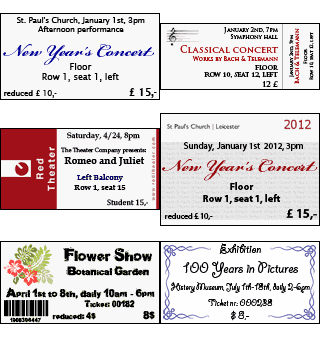
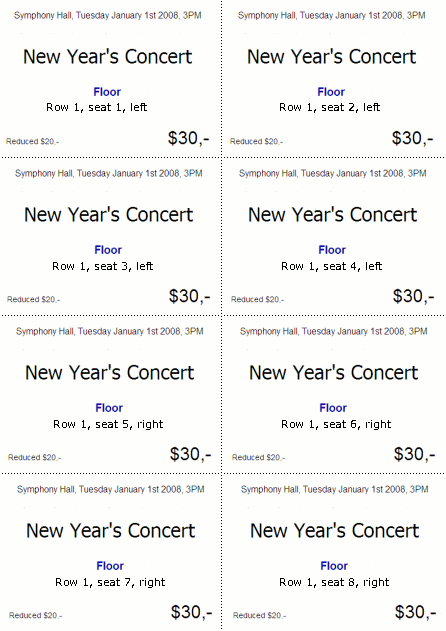
Print tickets on cardboard and design them with different fonts, colors, or logos. You can use cardboard with different colors for different prices or sections. |
 |
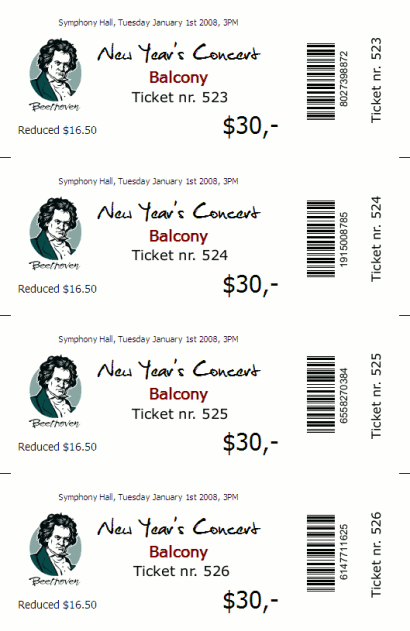
Tickets with a stub on the right side. |
Tickets, which are printed on individual ticket stocks from a print shop
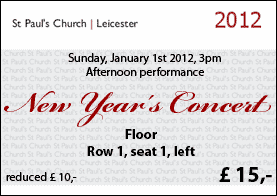 |
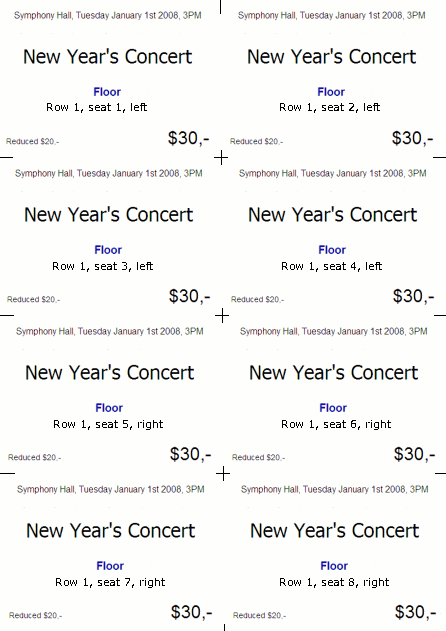
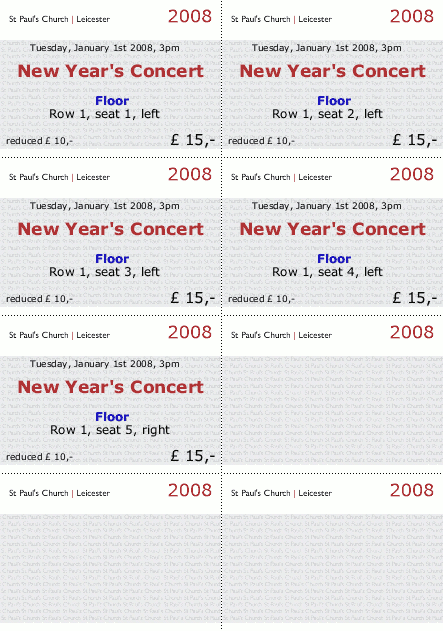
Example: This church uses DIN A4 pages with ticket stocks in DIN A7 format (105 x 74mm, 8 tickets per page), which were printed and perforated in a print shop. |
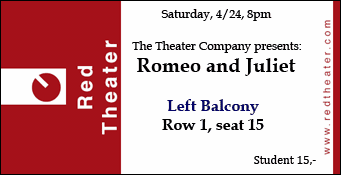 |
You can also use ticket stocks in any other format. |

Sample tickets with images or frames
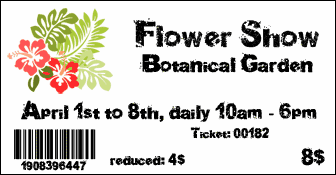 |
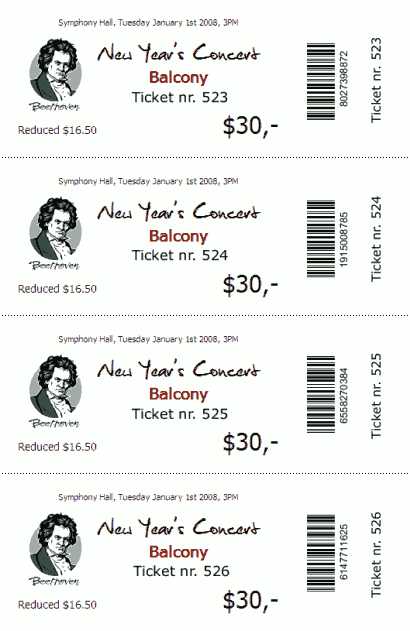
Use your logo or pictures on the tickets. |
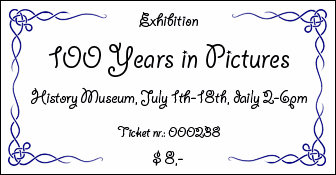 |
This ticket uses images with frames. |
 |
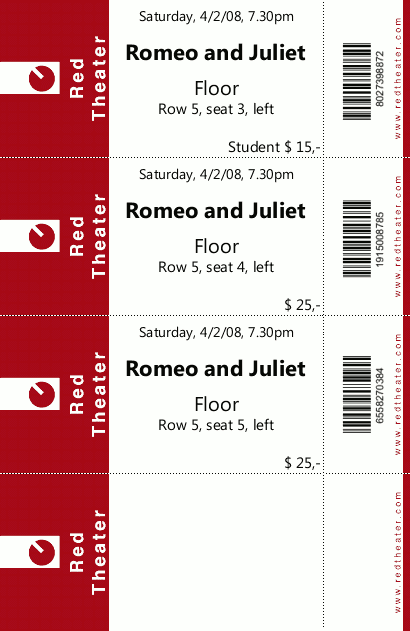
With the TicketCreator Barcode Edition you can also print tickets with barcodes or QR codes, which are scanned at the door. This is an economic way to prevent copied tickets. |
4.) Print tickets on business cards
Another option are sheets with business cards, which are
available from many sources (e.g.
avery.com)
or single business cards, which are available from every local
or online printing company.
5.) More options
As an alternative to classic tickets you can also print section, row and seat numbers directly onto the event brochure or invitation, or use labels to be put on the brochures or invitations.